Blue Glitter Backgrounds
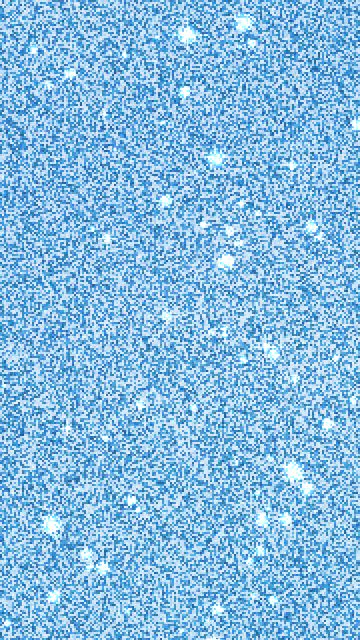
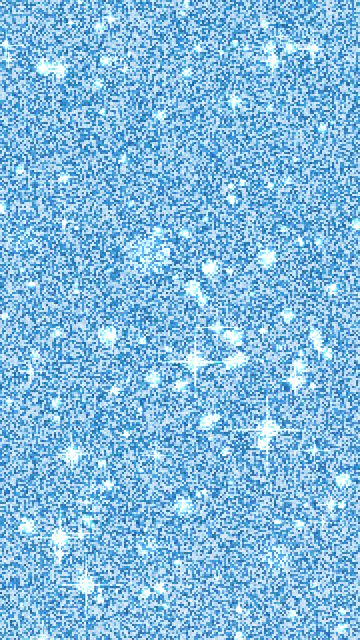
Blue glitter backgrounds — bright blue, dark navy and soft baby blue.
Blue glitter backgrounds to download
Nine ready-made backgrounds. Each button draws the image in full size.



Using a blue glitter background
Phone wallpapers are the most common use: the 1080×1920 size fits iPhone and Android screens and crops cleanly on taller phones. The square size works for Instagram posts, profile headers and printing — 2048 pixels is enough for a 17 cm (7 inch) print at 300 dpi.
For designs in Canva, CapCut or Photoshop, download the desktop or 4K version and put it on the bottom layer. Glitter is busy, so text on top reads best in white or black with a soft shadow, or inside a solid shape.
Want glitter letters on top? Make glitter text with a transparent background and place it over the image.
Other colors
FAQ
Are these blue glitter backgrounds free?
Yes. Download as many as you like and use them as wallpapers, in designs, posts and videos. No sign-up and no credit needed.
What sizes can I download?
Phone (1080×1920), desktop (1920×1080), square (2048×2048) for Instagram and print, and 4K (3840×2160). Every size is drawn fresh at full resolution, so it stays sharp.
How do I set it as my phone wallpaper?
On iPhone: save the image to Photos, open it, tap Share → Use as Wallpaper. On Android: open the image in Gallery or Google Photos, tap the three dots → Set as wallpaper.
Can I get an animated blue glitter background?
Yes. Press “GIF” under any background, or choose Animated GIF or Video in the maker. The glitter stays in place and the sparkles twinkle in a seamless loop.
Can I get a different shade of blue?
Use the maker at the top: pick a shade or choose “Custom” and set any color. Press “New pattern” to reshuffle the glitter until you like it.