Sparkle PNG
Free transparent sparkles for photos, videos and designs — single star sparkles, sparkle clusters, dividers, frames and full overlays in seven colors. Need a different color or size? Make one below.
Ready-made sparkle PNGs
Click a sparkle to download the full-size transparent PNG. Animated versions are on the sparkle GIF page.
Classic sparkle 512×512



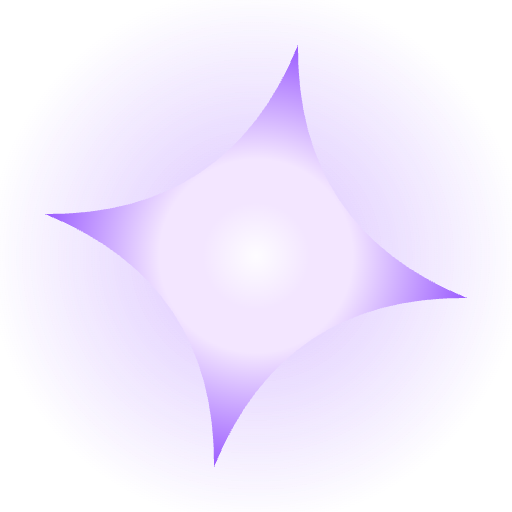



Soft sparkle 512×512
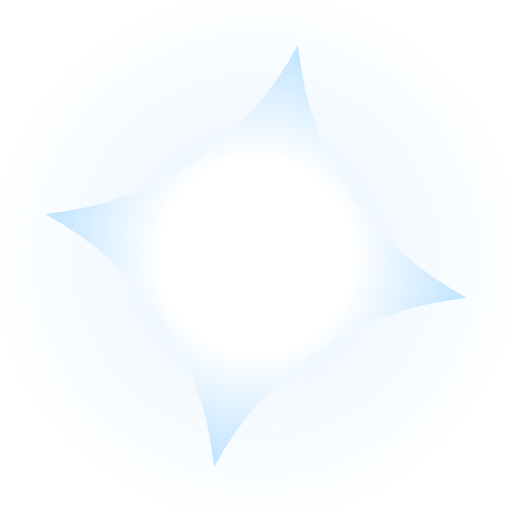


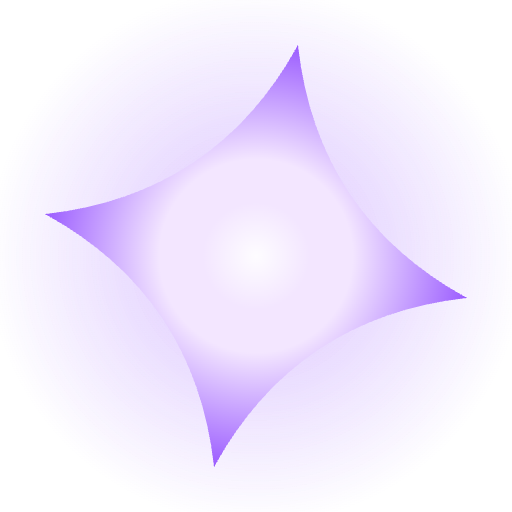



Star flare 512×512
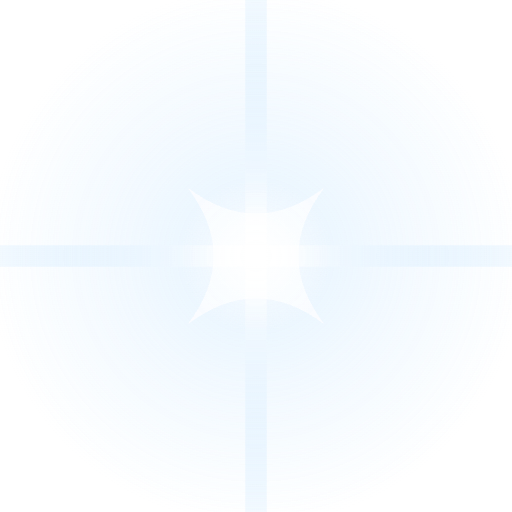
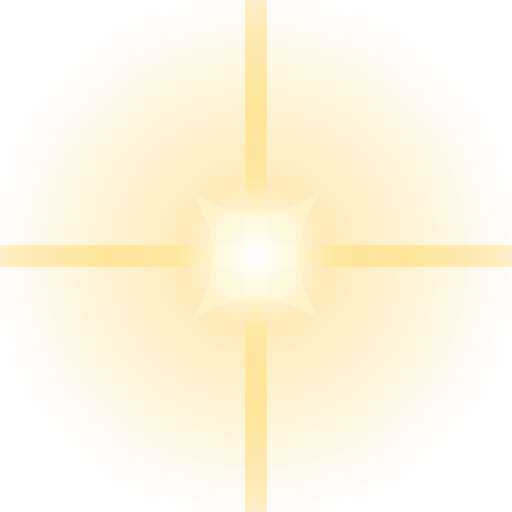
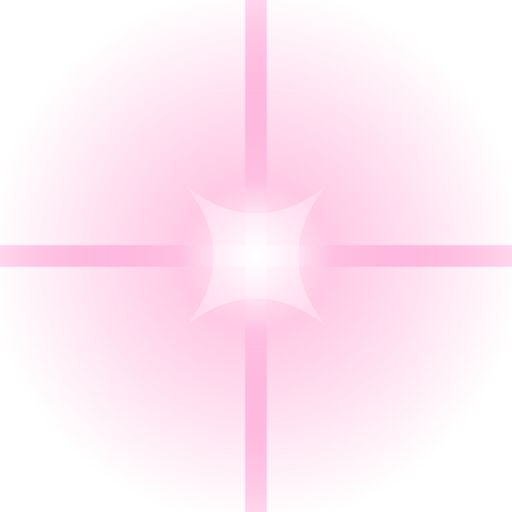
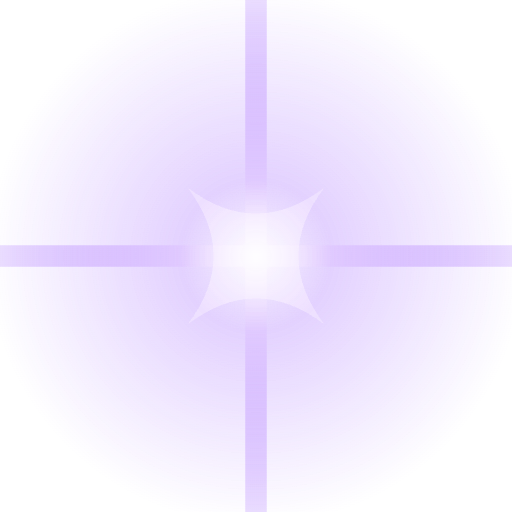

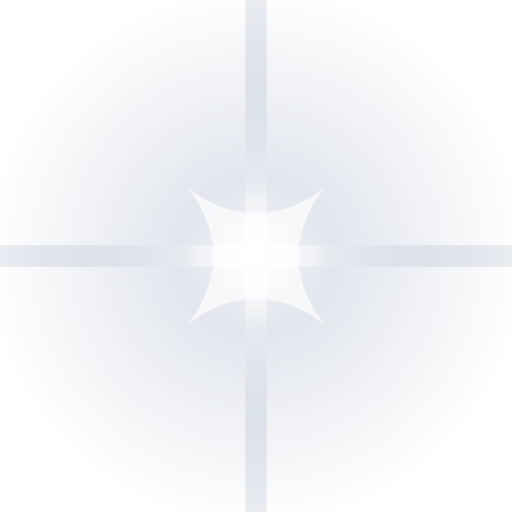
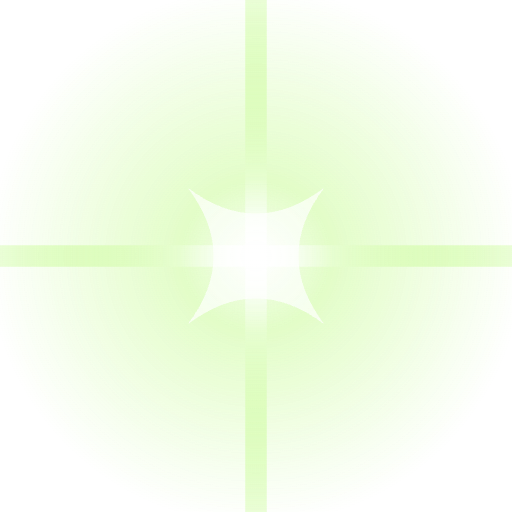
Starburst 512×512
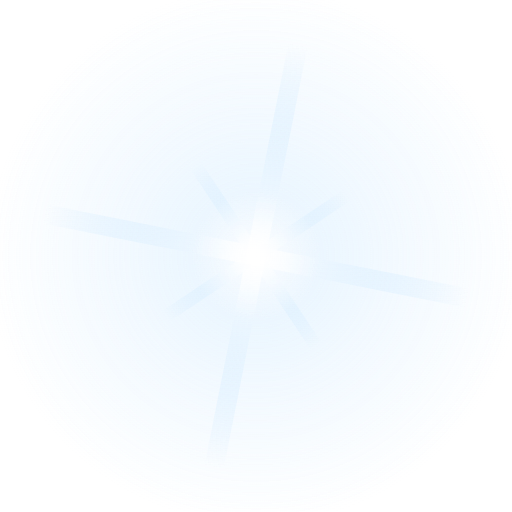
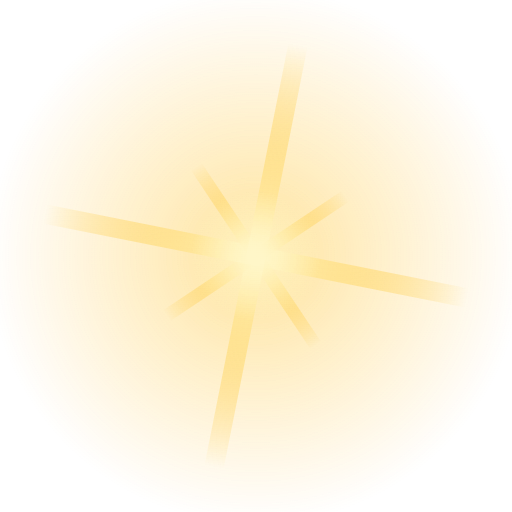

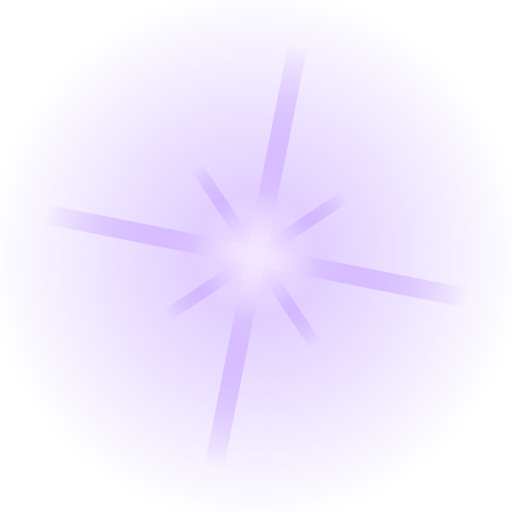
Sparkle cluster 512×512







Sparkle divider 1200×200







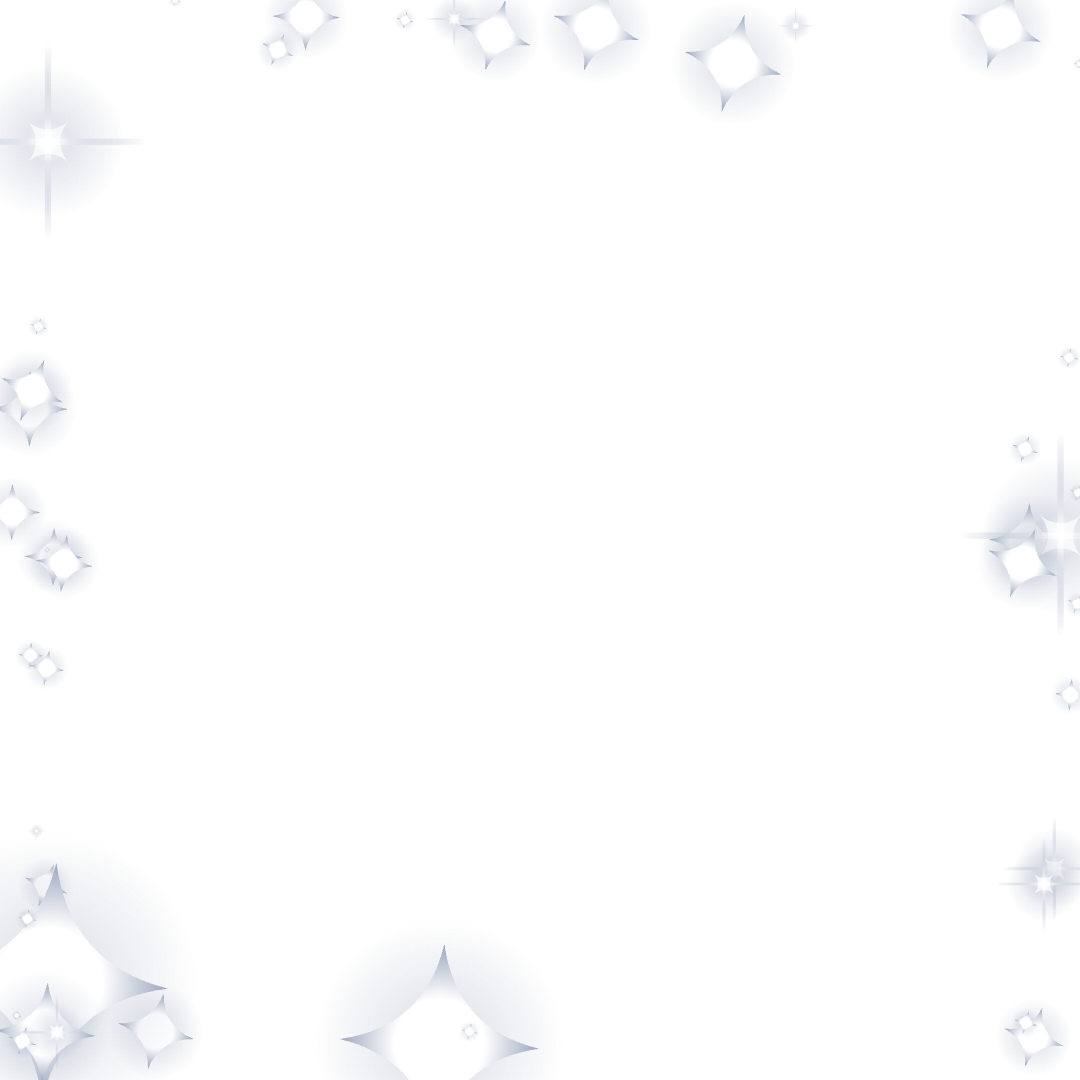
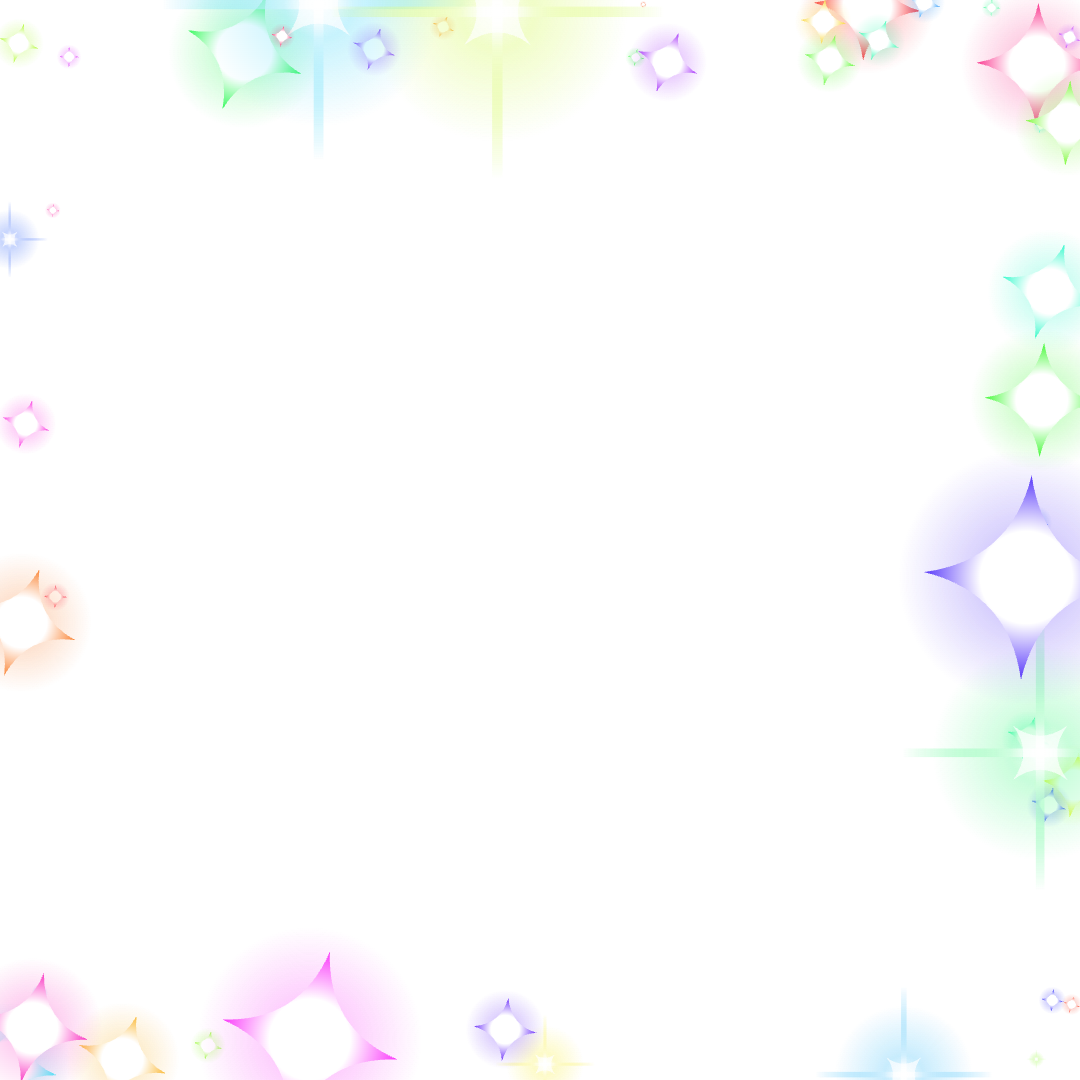
Sparkle frame 1080×1080
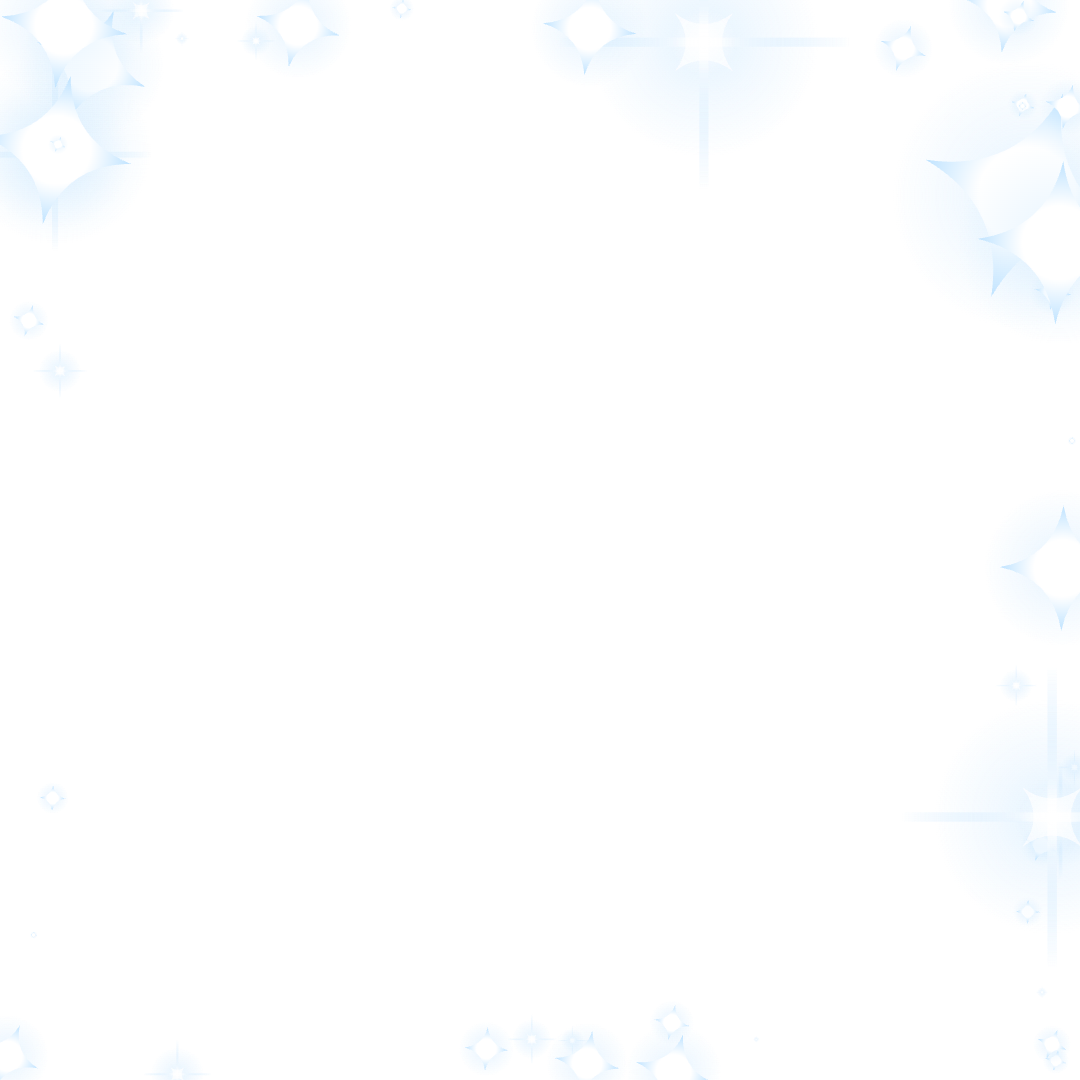
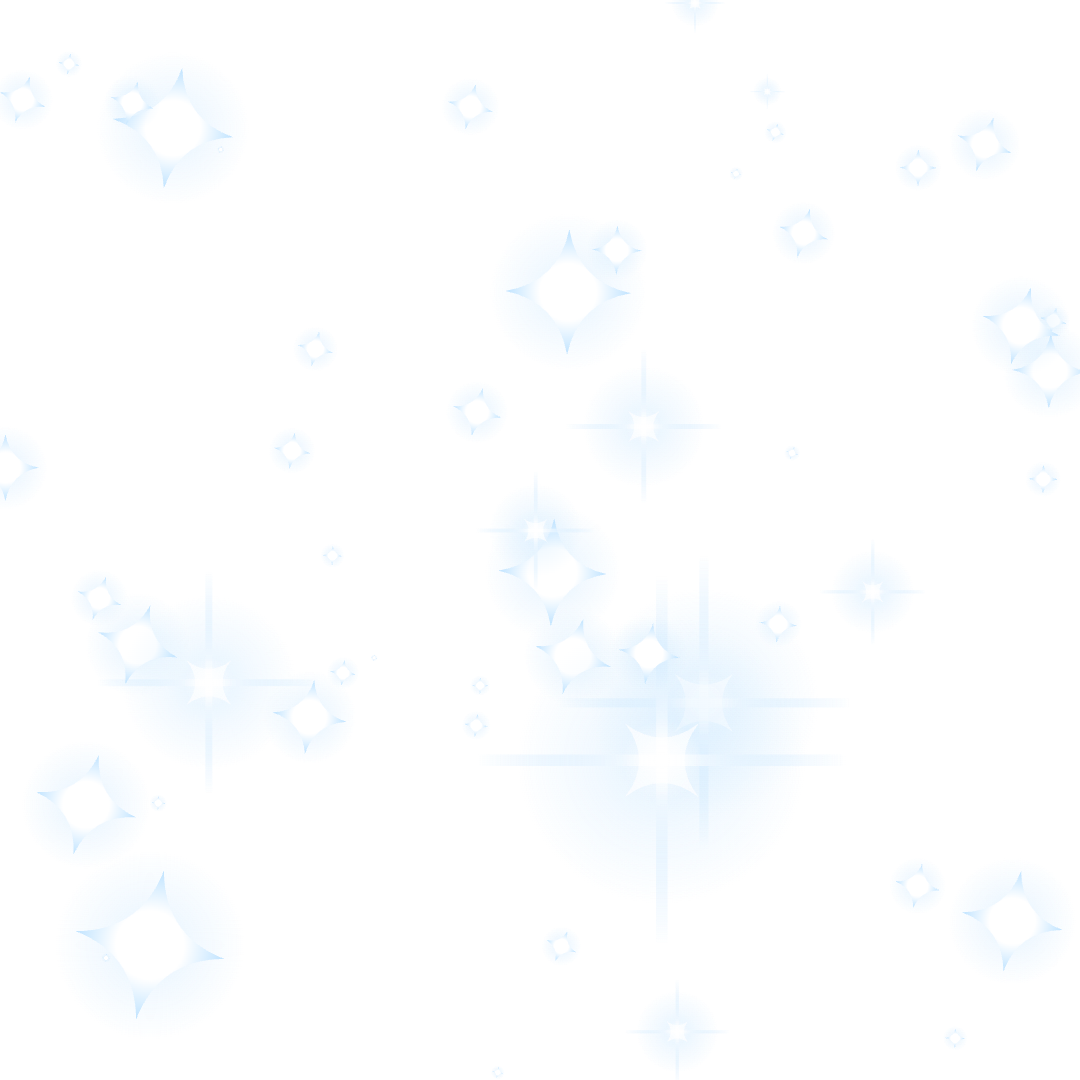
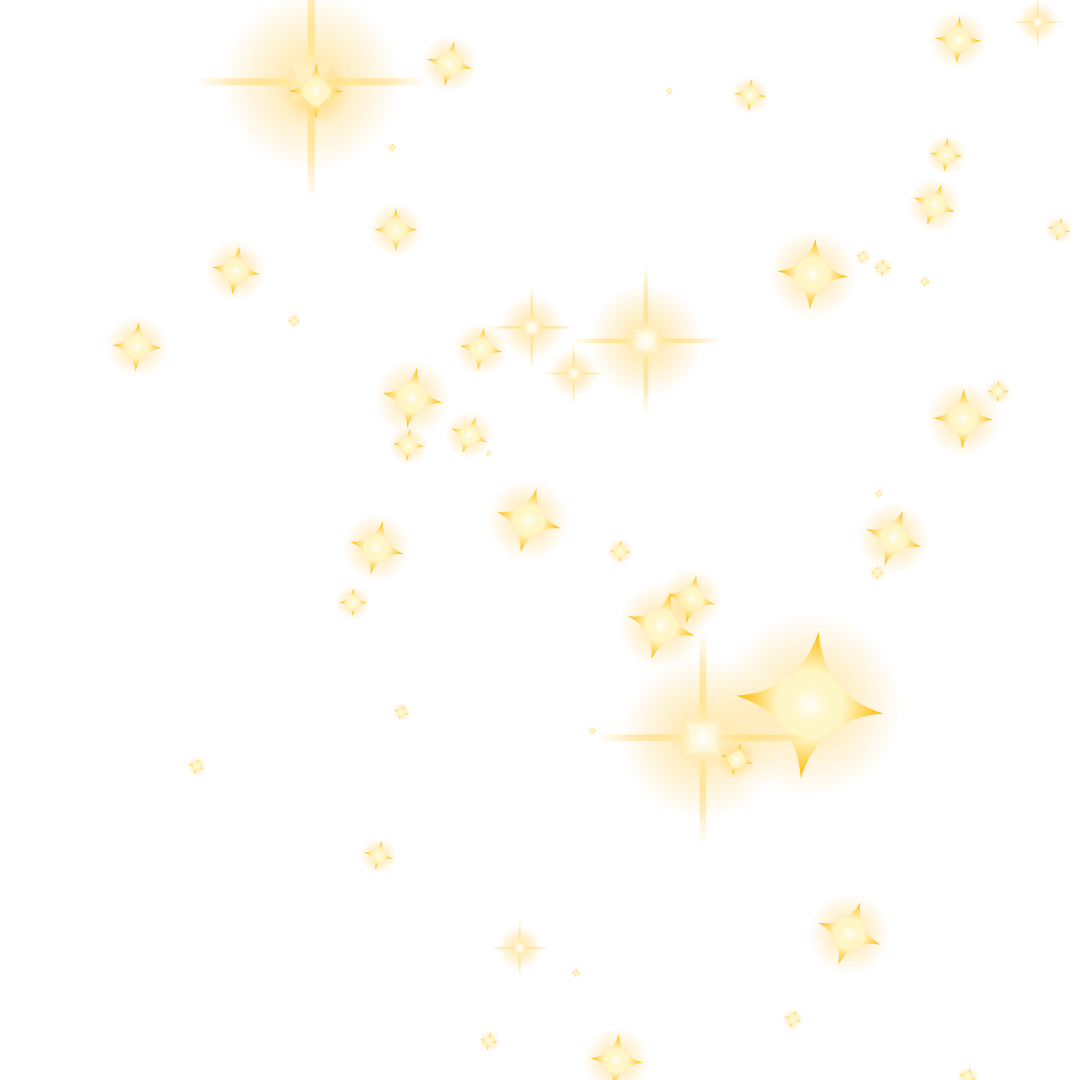
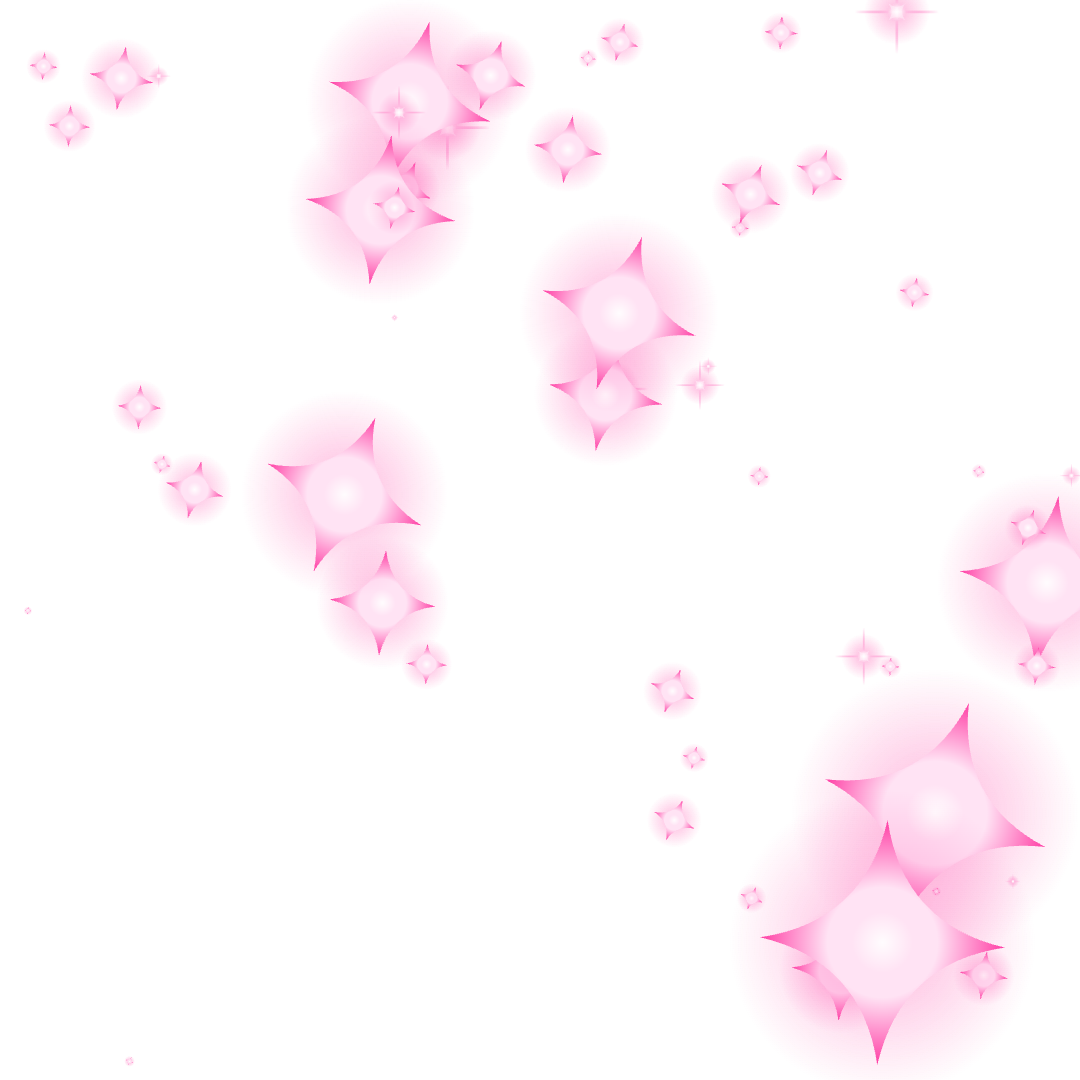
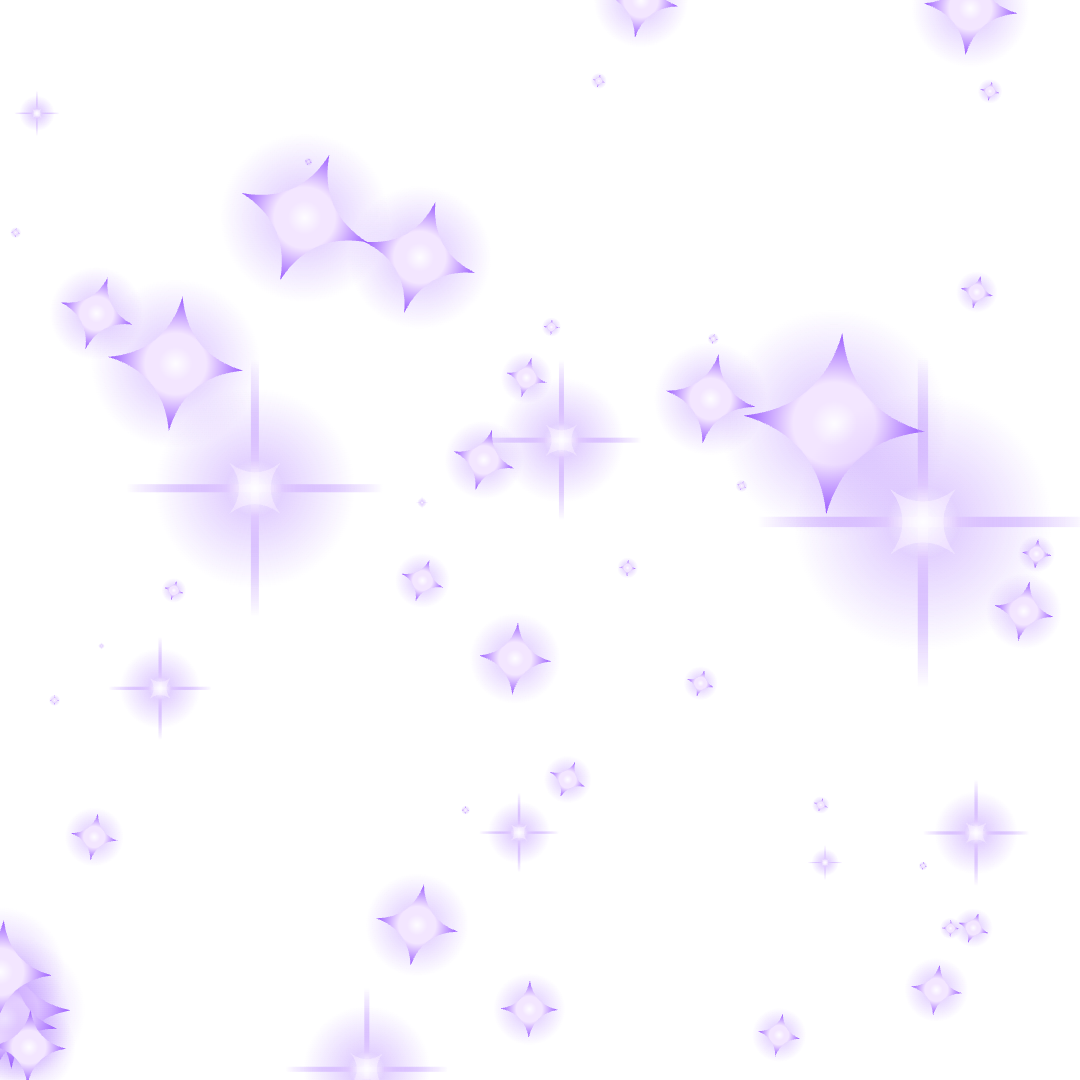
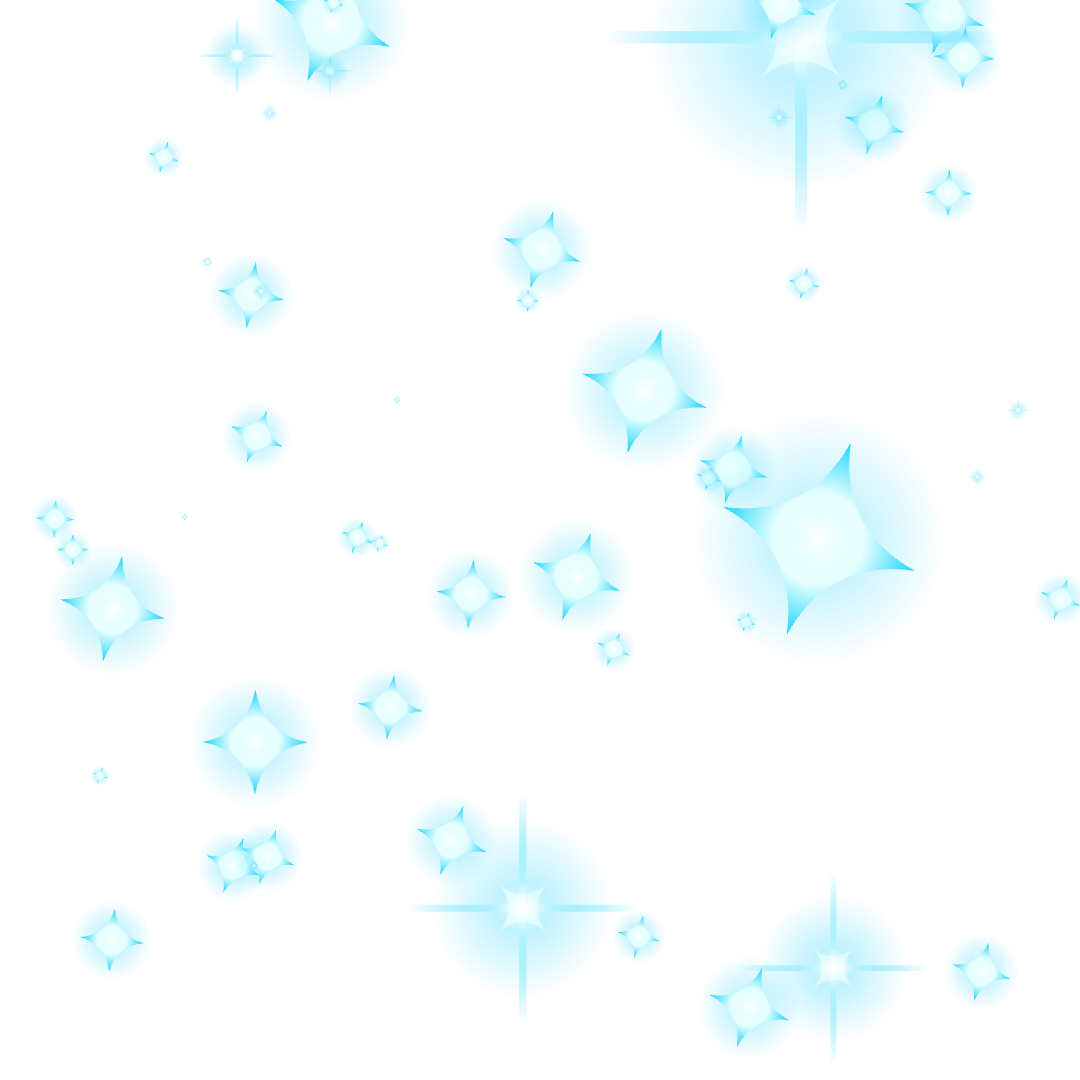
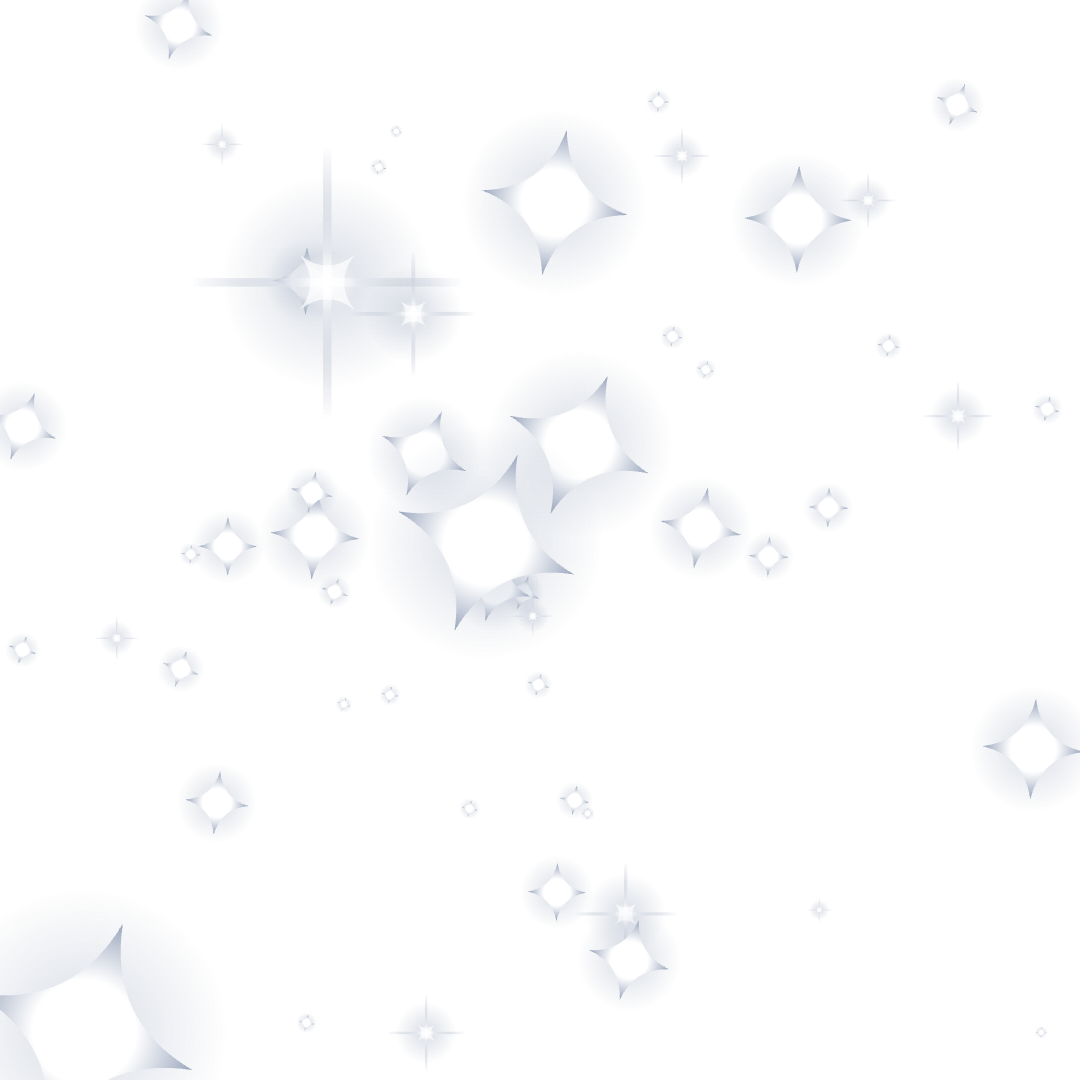
Sparkle overlay 1080×1080
Which sparkle to use
- Classic and soft sparkles — the four-point star from the ✨ emoji. Put one or two on a product photo, a thumbnail or next to a headline.
- Flare and burst — a sharp glint of light, like a reflection on jewelry, glass or a car. Place it where the light would actually hit.
- Cluster — one large sparkle with two small ones. Works in a corner of a photo or a story.
- Divider and frame — rows and borders of sparkles for invitations, menus and section breaks.
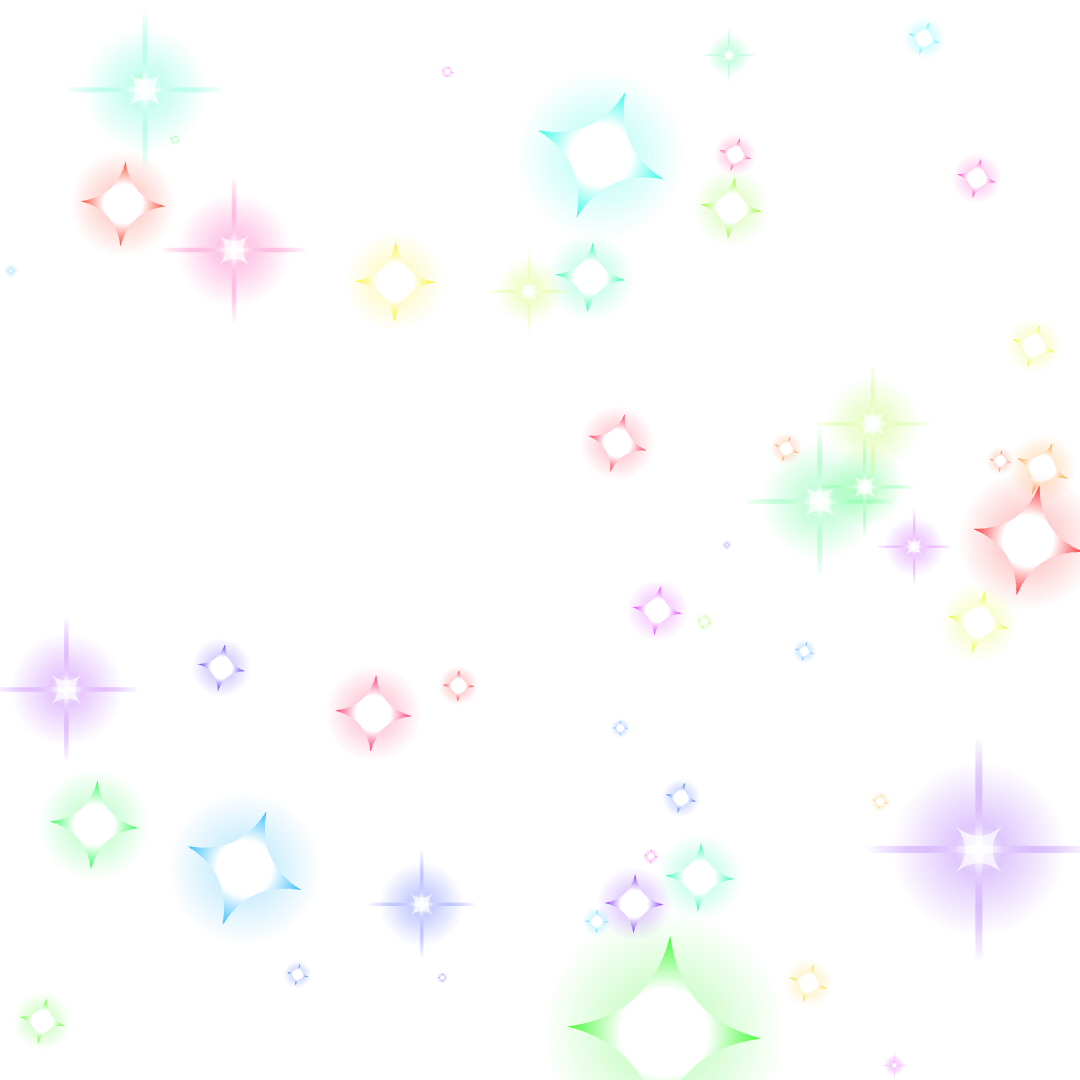
- Overlay — sparkles scattered across the whole square. Lay it over a photo and lower the opacity to 60–80% for a dreamy look.
Tips for a natural look
Use fewer sparkles than you think — two or three in the right spots look better than twenty. Match the color to the light in the photo: gold for warm indoor scenes, white or silver for daylight and snow. In editors that support blend modes, set the sparkle layer to Screen or Add so the glow brightens what is underneath instead of covering it.
FAQ
Are these sparkle PNGs transparent?
Yes. Every sparkle is a PNG with a transparent background, including the soft glow around it, so it sits cleanly on any photo, video frame or design.
Can I use them in Canva, CapCut or Photoshop?
Yes. Download the PNG and upload it as an image or element. In Canva drag it onto your design; in CapCut add it as an overlay; in Photoshop place it as a new layer.
How do I get a sparkle in my own color?
Use the sparkle maker at the top: pick a shape, choose “Custom” and set any color, then download it at up to 2048 pixels.
Can I use them in commercial projects?
Yes, the sparkles here are free to use in personal and commercial work. No attribution is required.
Do you have animated sparkles?
Yes — see the sparkle GIFs: twinkling transparent sparkles for websites and overlays on black for video.